Announcing Ver.2.1.0
Ver.2.1.0 releases February 13th, 2026.
Ver.2.1.0 Patch Notes
Please check the list of changes below for details on the main improvements and fixes in this patch.
〇 Support for the Nintendo Switch(TM) 2 There will be a free update for the Nintendo Switch(TM) version to add compatibility with the Nintendo Switch(TM) 2.
The contents of the free update are listed below.
(1) Screen settings added Screen settings have been added to the Options menu. From the "Resolution" menu found under Screen settings, you can choose from either 2 types of presets or use custom settings.
These settings cannot be changed after starting the game.
Some setups may experience some instability if these settings are changed.
Consider reverting back to the default settings or try TV mode if you experience any instability.
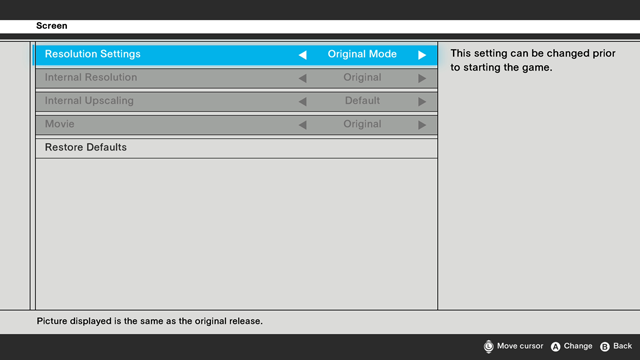
"Original Mode" Preset Display at the game’s original resolution. Upon selecting "Original Mode", the following settings will be applied. Internal Resolution: Original Internal Upscaling: Default Movie: Original
"Adjusted Mode" Preset Displays the game at your current monitor’s highest possible resolution. Has sharper visuals compared to Original Mode. Upon selecting "Adjusted Mode", the following settings will be applied. Internal resolution: FHD (1080p) Internal Upscaling: FHD (1080p) Movie: High Resolution
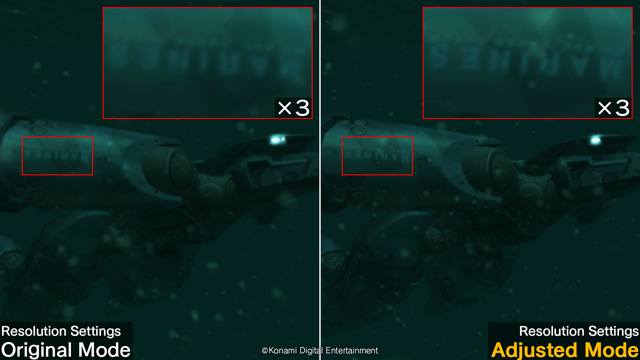
"Custom" Preset "Internal Resolution", "Internal Upscaling", and "Movie" can be adjusted to suit your current specs.
(A) Internal Resolution
Under "Internal Resolution", you can now choose to have the game render in FHD or at its original resolution.
Original: Renders the game at its original resolution.
FHD*1: Increases the game's internal resolution to FHD when rendering.
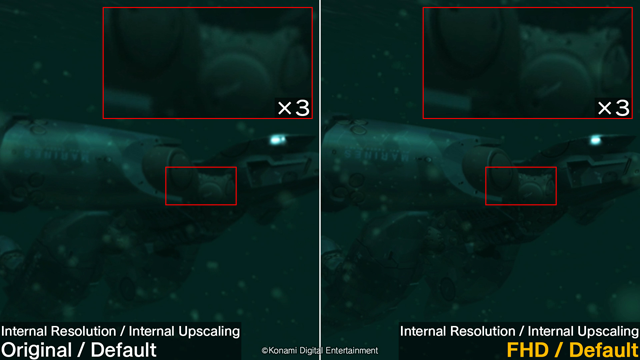
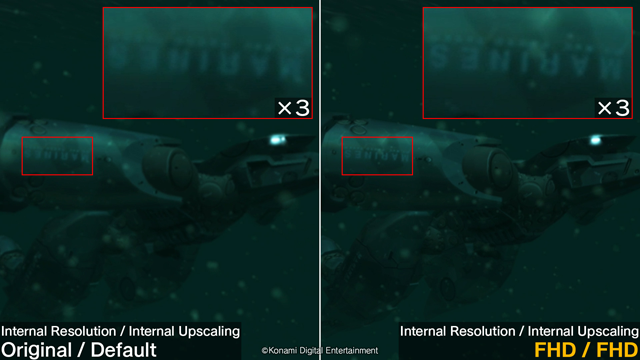
(B) Internal Upscaling
This option will utilize upscaling technology in addition to the upscaling method in the original Master Collection release, allowing you to display the game at a higher resolution.
Changing this setting will result in sharper visuals.
Default: Displays the game at the same resolution as the original Master Collection release.
FHD: Displays the game in FHD using an upscaling method different to the original Master Collection release. *1 *2
*1 Results in sharp visuals.
*2 If your monitor can support a resolution that is higher than the resolution selected, then the game will be displayed using the original Master Collection release's upscaling method at the highest possible resolution available.
(C) Movie You can choose to set in-game movies to their original or higher resolution versions. When selected, some movies will be displayed at a higher resolution.
Movie: Original
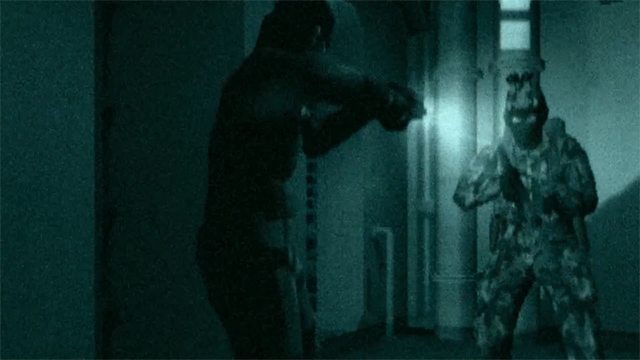
Movie: High Resolution
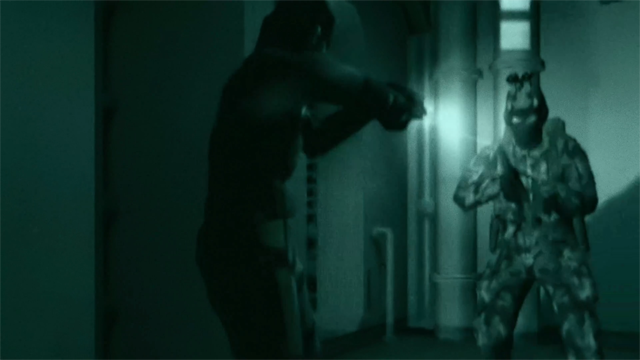
(2) Supports smoother motion relative to the Nintendo Switch(TM) version
○ Fixed an issue where sound would not play for certain codecs
○ Fixed some other minor issues and made other adjustments