Controls
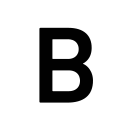 |
Reload Button (Cancel Button) |
|---|---|
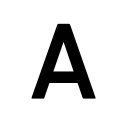 |
Change Stance (Confirmation Button) |
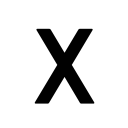 |
Switch between auto and manual aim |
 |
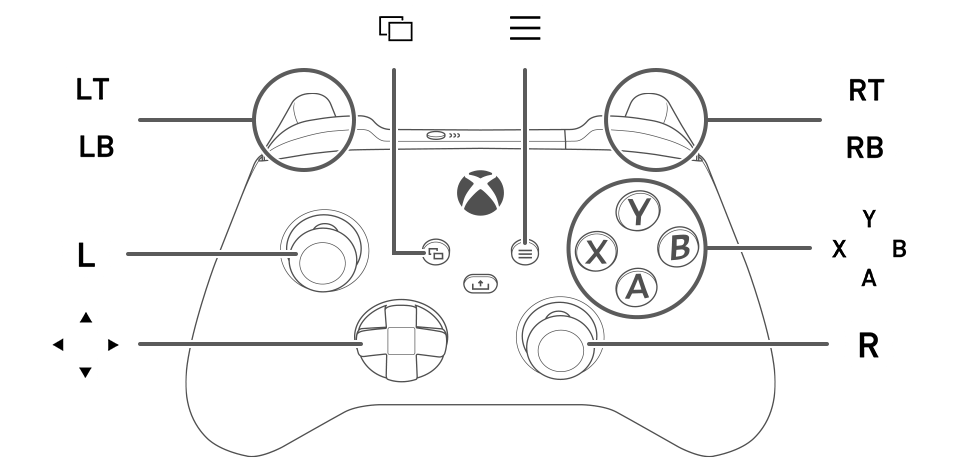
Action Button |
 |
Show Pause Menu |
 |
Show control descriptions |
 |
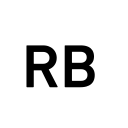
Hold: Show equipment window Tap: Quick-change equipment |
 |
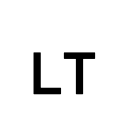
Hold: Show weapon window Tap: Quick-change weapons |
 |
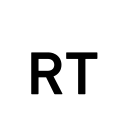
While pressed: Aim weapon |
 |
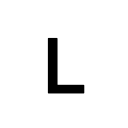
When aiming weapon: Use weapon Without weapon: CQC |
 |
Move |
 |
Control camera/aim |
 |
When using the scope: Change zoom level |
Keyboard & Mouse Controls
| W/A/S/D | Move (Run) |
|---|---|
| Left Ctrl + W/A/S/D | Move (Walk) |
| Move the mouse | Control Camera/Aim |
| Right Click | Aim Weapon |
| Left Click | Attack/CQC |
| Wheel Click | Reset Camera |
| Scroll Wheel | Change Zoom Level |
| Space | Change Stance |
| Q | Switch between auto and manual aim |
| R | RELOADING |
| F | First-Person View |
| E | SITUATIONAL ACTIONS |
| 1 | Show equipment window/quick-change equipment |
| 2 | Show weapon window/quick-change weapons |
| Tab | Show Pause Menu |
| Esc | Show control descriptions |