Basic Controls
Basic Controls
Players can choose from multiple different control types at the start of the game—Shooter Type, Action Type, and Hunter Type—based on their preferred play style. It is also possible to change the control type via OPTIONS.
Walk/Run
Move  slightly to walk, and move it more to run.
Footsteps are louder when running, making it easier to be spotted by the enemy.
Crouching/Lying Down
Press the Crouch Button to crouch. You can walk and run in this position.
Hold the Crouch Button to lie down and continuing holding it to stay in that position. However, you cannot move while lying down.
Your position is lower when crouching or lying down, making it more difficult to be spotted by the enemy.
Rolling
Press the Crouch Button while running to roll forward.
You can inflict PSYCHE damage on enemies by rolling into them. It is also possible to roll over open gaps and other obstacles.
Attack Barehanded
Press the Attack Button with no weapon equipped to attack barehanded. If a CQC-compatible weapon is equipped, press the Attack Button repeatedly to do a consecutive attack (punch, punch, kick). An enemy solider attacked barehanded will be knocked out when their PSYCHE reaches zero.
- There are weapons that are incompatible with barehanded attacks.
CQC (Close Quarters Combat)
Throw
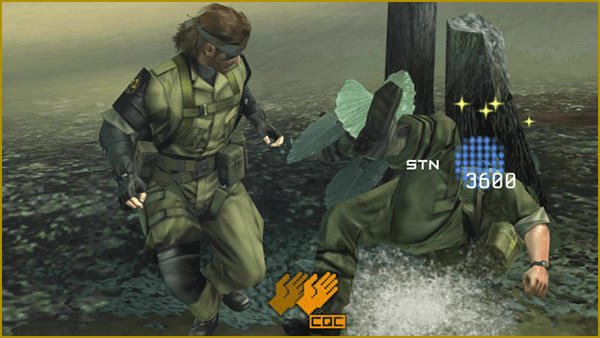
Press the Attack Button while moving near the target to throw them to the ground.
Grab
Hold the Attack Button near an enemy without moving to grab. Continue to hold onto the enemy to choke them and deal PSYCHE damage.
Press the Action Button(※) while grabbing the enemy to interrogate them and receive game hints and other unexpected information.
- Press
 to interrogate in Hunter Type.
Grab/Throw
Move while grabbing an enemy to throw them in that direction.
Throwing an enemy soldier towards others allows the player to deal with more enemies at once.
Consecutive CQC
Use CQC on multiple enemies one after the other.
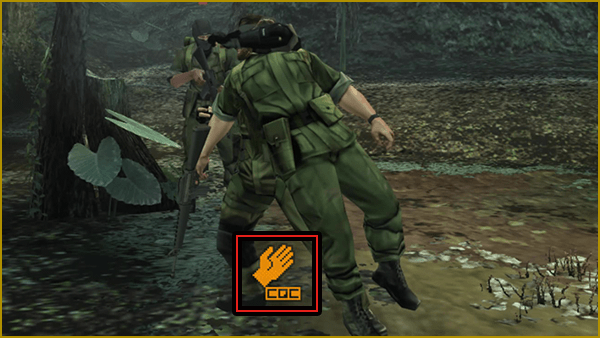
If another enemy is nearby immediately after using CQC to throw another enemy, the CQC icon is displayed.
Press the Attack Button while the CQC icon is displayed to use CQC consecutively on the next available enemy.
Special Controls
Wall Press
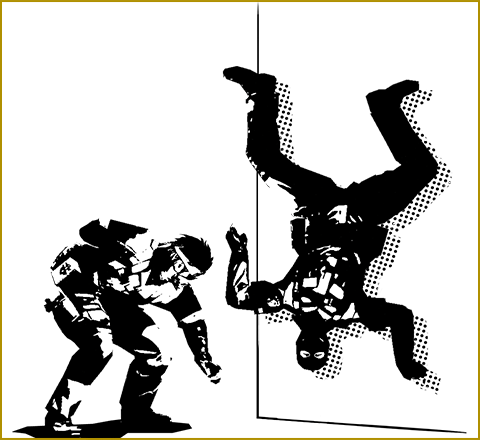
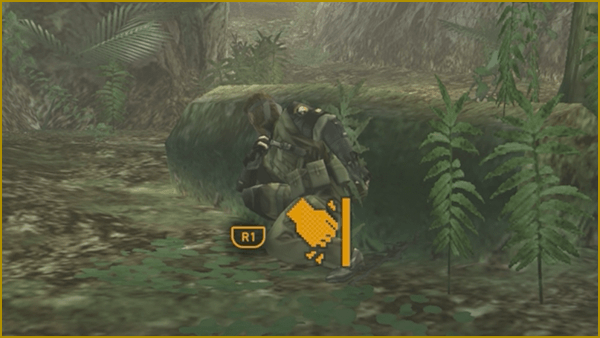
Hold the Action Button while near a wall to press against it and hide.
Making Noise
Press the Attack Button while pressed against a wall to make a knocking sound. This is useful for tricking the enemy.
- The image displayed shows Shooter Type controls.
- Use
 to make noise in Hunter Type.
Clearing Heights
Clear heights that reach to about the waist by moving in their direction. Higher areas can sometimes be cleared by first placing a cardboard box.
Equip the cardboard box from the Equipment Window and drop it by pressing  . Climb on the cardboard box to clear the height.
Jumping on top of enemies from above will inflict PSYCHE damage.
Hanging
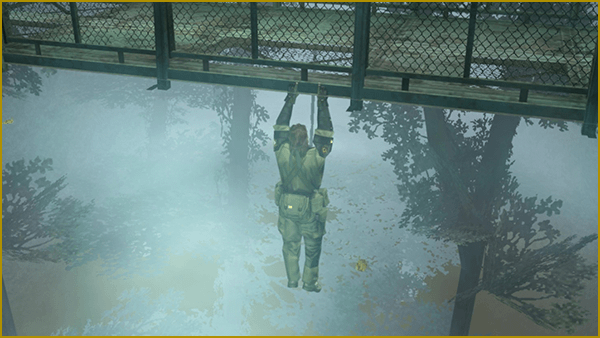
to move left and right. Press the Action Button again to return to your original location. Press the Crouch Button to let go and fall.Note that falling from a location so high the ground isn't visible will result in a game over, so please exercise caution.
Climbing Ladders
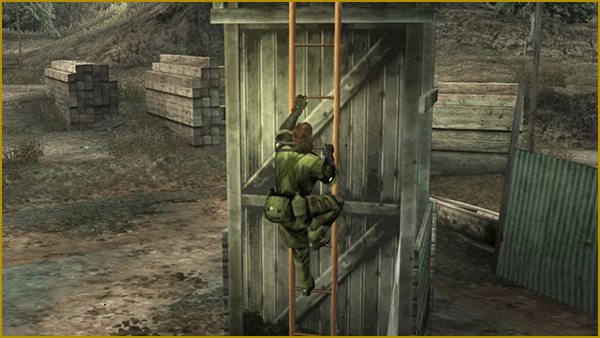
Move towards a ladder when at the bottom of to attach to it.
The use to climb up or down, and press the Crouch Button to jump off the ladder.
To attach to the ladder to climb down, press the Action Button.
Acquiring Items
Use design documents to develop new weapons and equipment at Mother Base.