Basic Controls
Run/Punch/Weapon
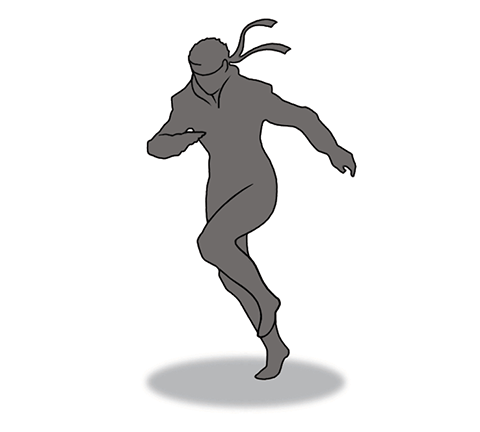
 : Run
: Run
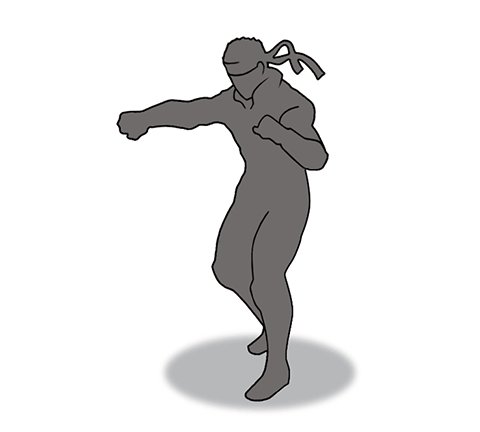
 : Punch
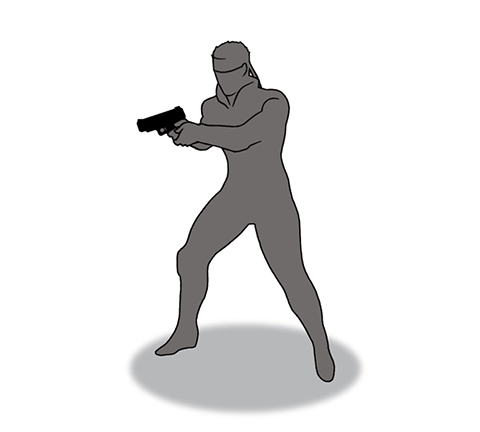
 : Use weapon
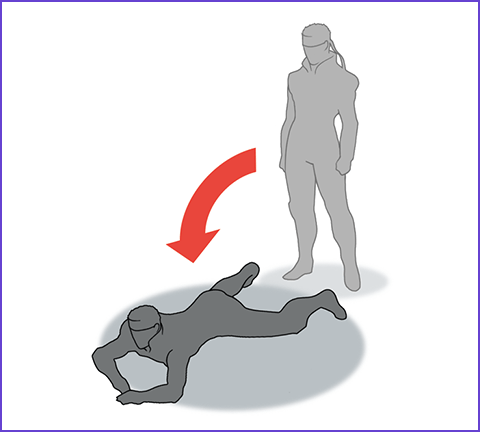
Crawl
 /
/ : Switch between Crawl and Standing
You can move while crawling.
Press the button again to stand back up.
- Hide under desks or within gaps in the wall
- Crawl inside ducts
- Crawl through grasslands and swamps
Using the elevator
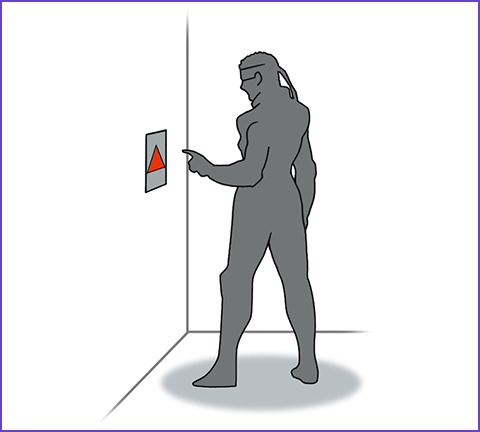
Call the elevator by hitting the panel next to it with Punch. By hitting the arrow panels inside, you can move between floors.
Flatten
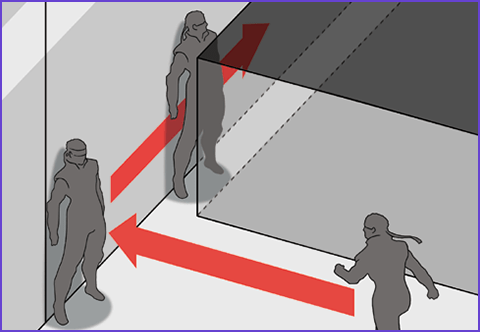
While facing the wall
If you hold while facing the wall, you will flatten yourself against the wall.
while facing the wall, you will flatten yourself against the wall.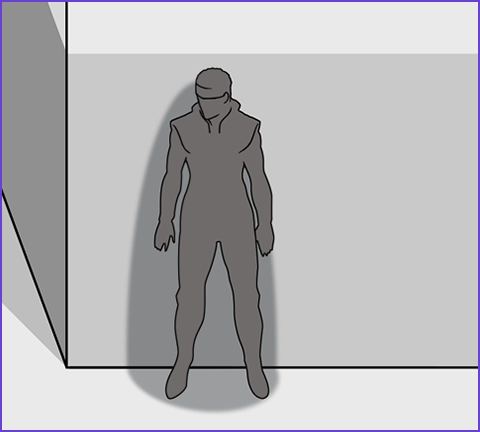
Scout
While flattened
The screen will pan across the map, allowing you to see farther distances.
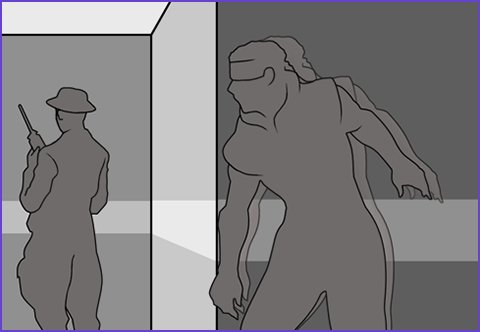
Make noise
While flattened
Upon hearing noise, enemy soldiers will walk over to the source to investigate.
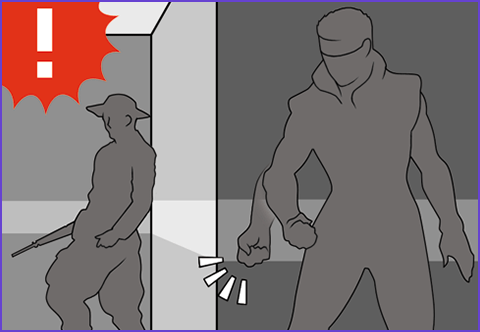
Move while flattened
While flattened
Move while flattened against the wall to clear spaces too narrow to run through.
Displaying the Menu
Pressing  /
/ will pause the game and display a menu in the lower half of the screen. Via this menu, you can use the Codec to reach out to allies, as well as equip items and weapons.
/ will pause the game and display a menu in the lower half of the screen. Via this menu, you can use the Codec to reach out to allies, as well as equip items and weapons.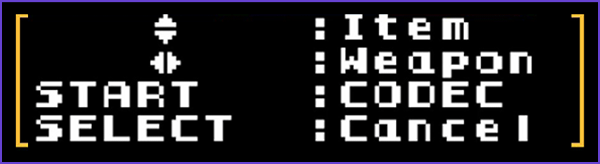
- There may be times where information/controls listed differ from those in game.
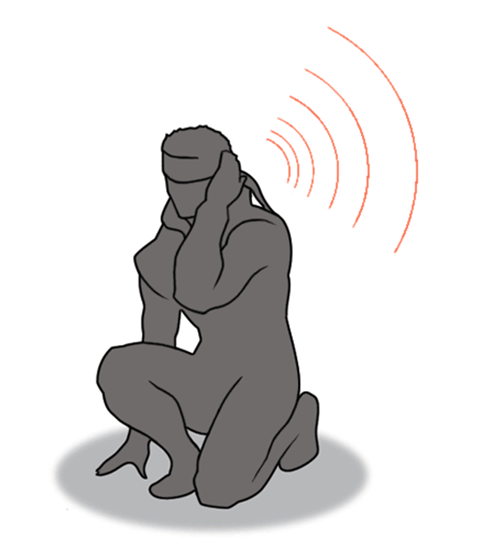
- /: Codec
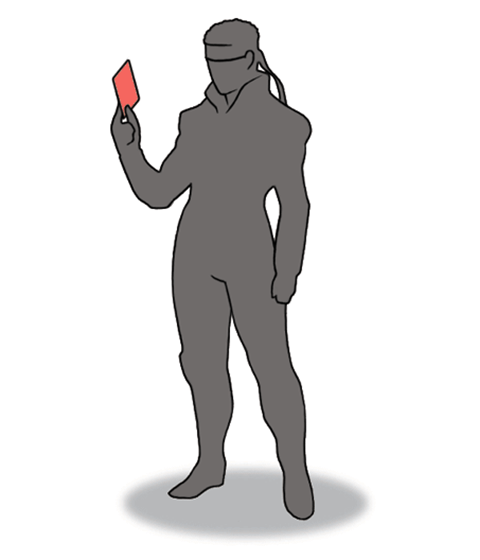
 : Item Selection
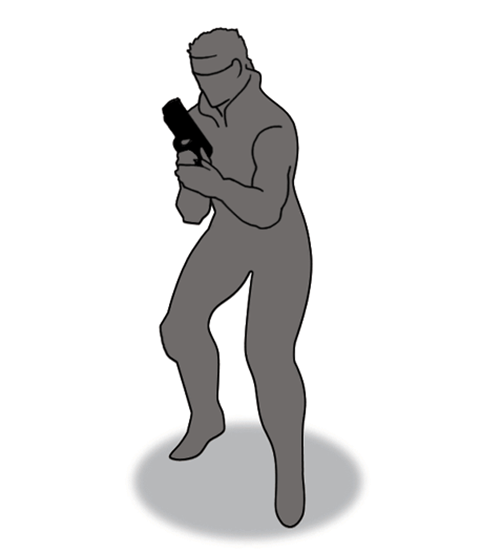
 : Weapon Selection
 (the Codec) and
  → (Item/Weapon Selection) can be used to perform certain actions without opening the menu.