Save and Game Over
SAVING THE GAME
Press  during the game to open the Pause Menu.
Select "SAVE", then choose a save file to finish recording your progress.
| SAVE | Save progress to the selected save file. |
|---|---|
| DELETE | Delete the selected save file. |
| EXIT TO TITLE SCREEN | Return to the title screen. |
- To create a new save file, select "NEW SAVE".
Notes on Saving
- Game progress will be saved up to the last checkpoint reached.
- After the save is complete, you will return to the Pause Menu.
- To continue playing a previously saved game, select "LOAD GAME" from the Title Menu.
- Up to 100 files of saved data can be created.
GAME OVER
If Old Snake dies, it's game over.
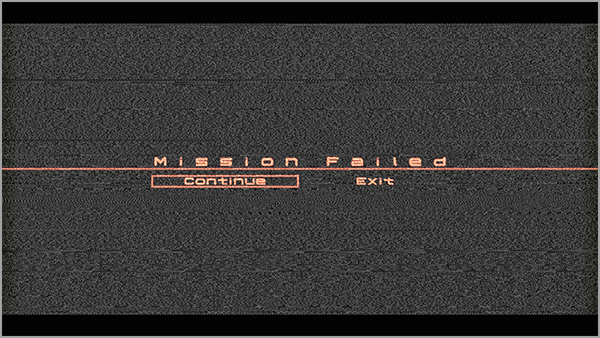
| Continue | Continue the game from the last checkpoint. |
|---|---|
| Exit | Return to the title screen. |
- Other conditions may also result in Game Over during certain missions.