Items/Weapons
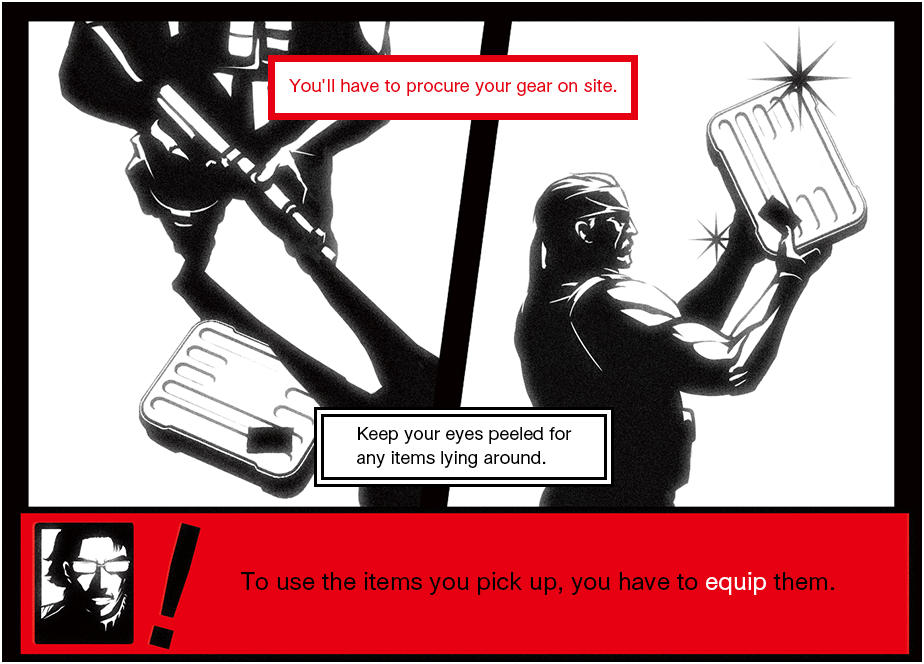
EQUIPPING ITEMS
PAUSE MENU - "Items":
Items must be equipped before they can be used
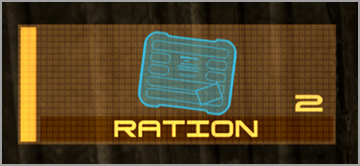
USING ITEMS
While holding  ,
,  :
:
Select an item to use from the equipment window
to open the equipment window and select the item you want to use. The selected equipment is displayed in the lower left corner of the screen. To use consumable items like rations, press  while the item is selected.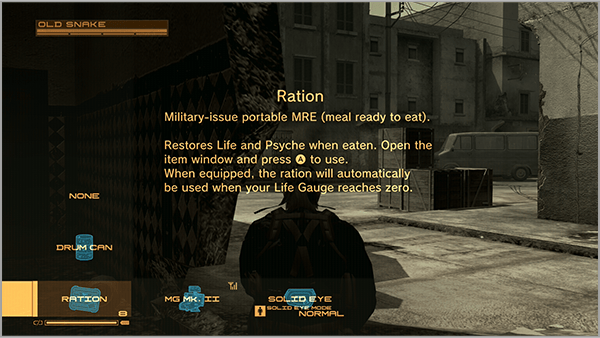
EQUIPPING WEAPONS
PAUSE MENU - "Weapons":
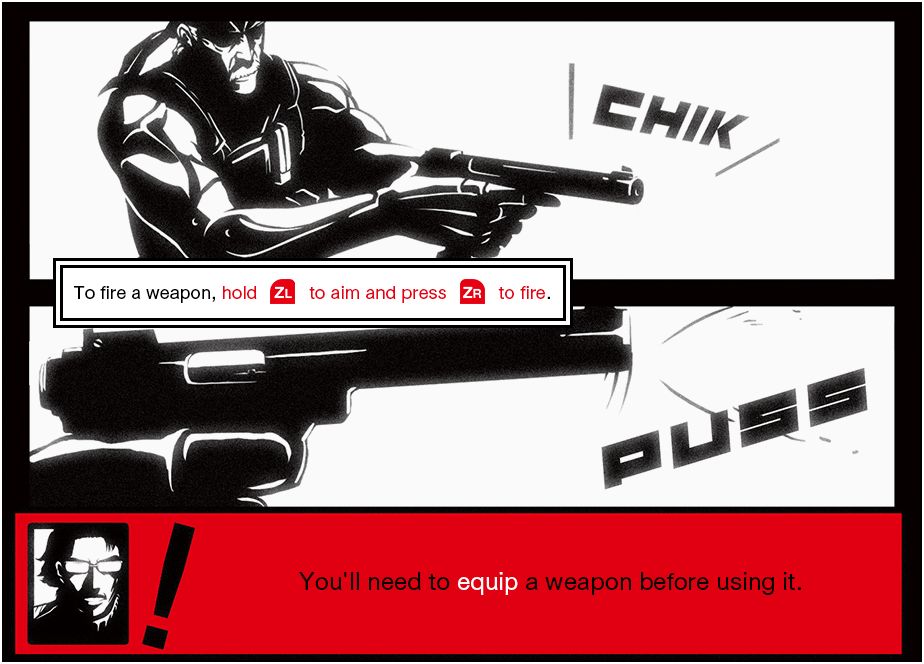
Weapons must be equipped before they can be used
Like items, weapons also need to be equipped. Select a weapon from the "Weapons" menu and add it to the Weapon Window.
- Weapons are available for lethal (red) and non-lethal (blue) use.
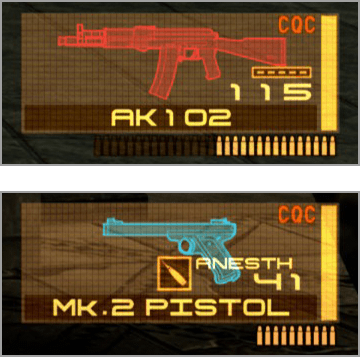
SELECTING WEAPONS
While holding  , :
, :
Select a weapon to use from the weapon window
to open the weapon window and select a weapon. The selected weapon is displayed in the lower right.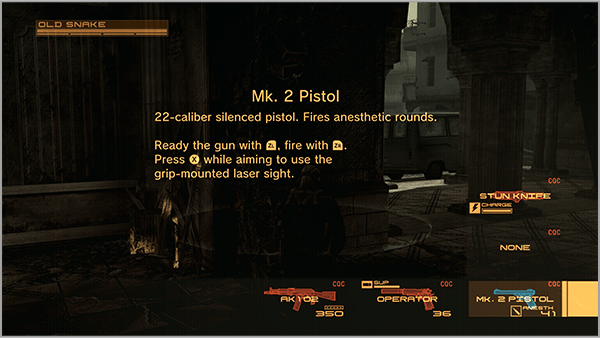
USING WEAPONS
While holding  ,
,  :
:
Aim and use the weapon
Press while aiming a weapon.
This will fire guns, throw grenades, place mines, and more.
Toggle AUTO AIM
 : Toggle AUTO AIM
When Auto Aim is turned on, "AUTO AIM" will appear on the screen and you will automatically aim at nearby enemies. When Auto Aim is turned off, you will look over your shoulder.
When in over-the-shoulder view, use  to aim.
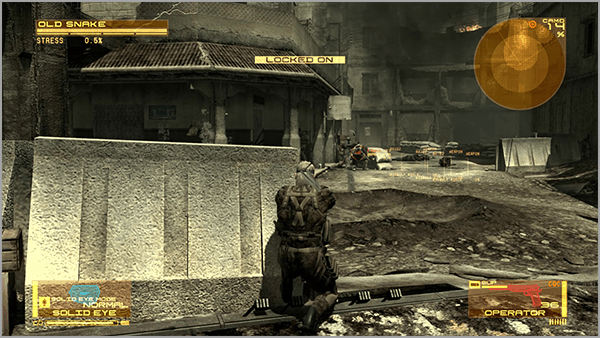
- AUTO AIM ON
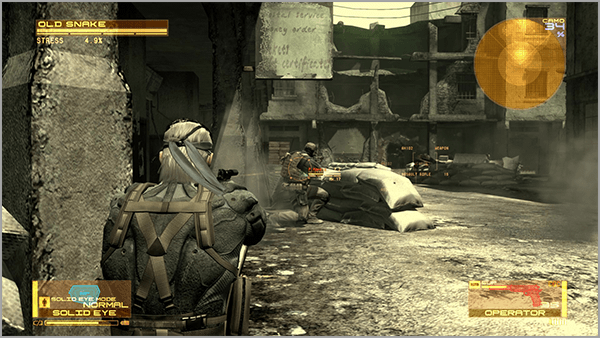
- Over-the-Shoulder View
- AUTO AIM is not available for some weapons.