SOLID EYE/METAL GEAR Mk. II
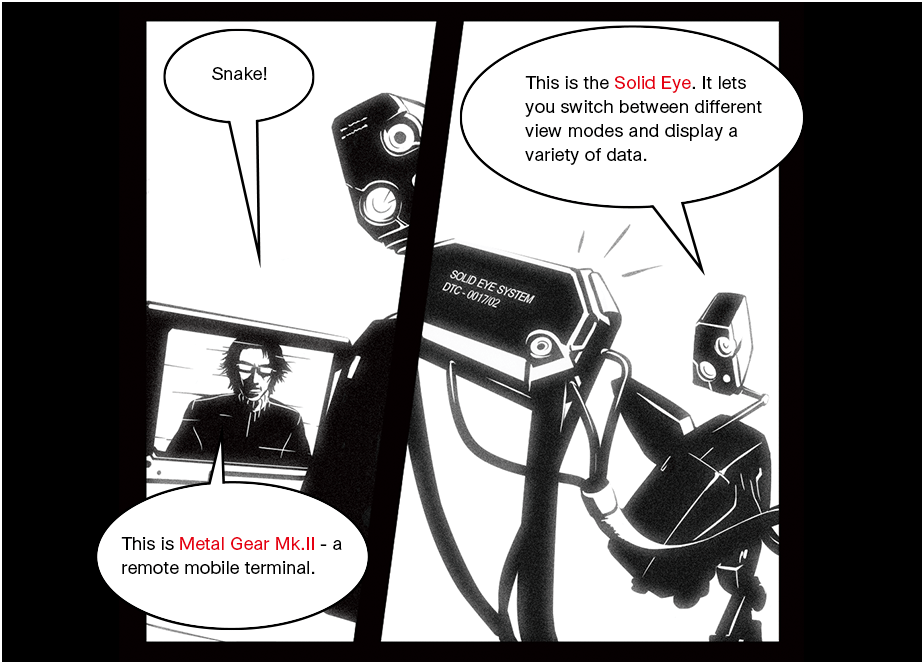
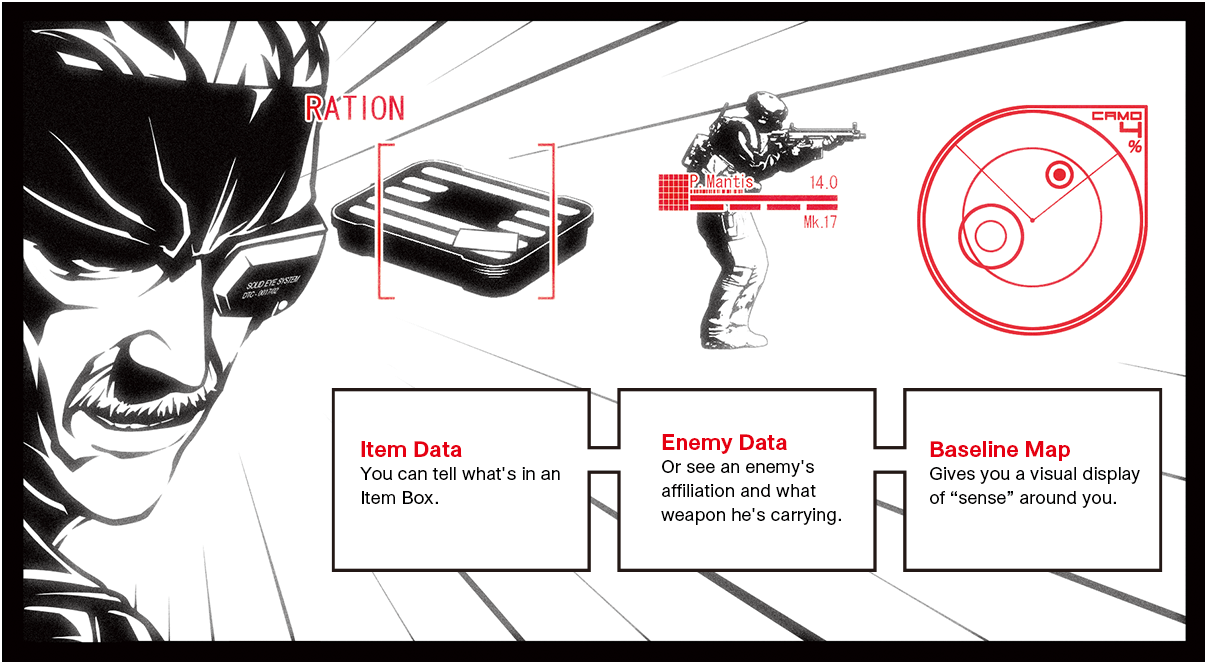
SOLID EYE
Hold  and press
  ,
,  , or
, or  to switch modes.
Equip Solid Eye from the equipment window to see detailed information about an item or an enemy. You can switch between three modes with Solid Eye.
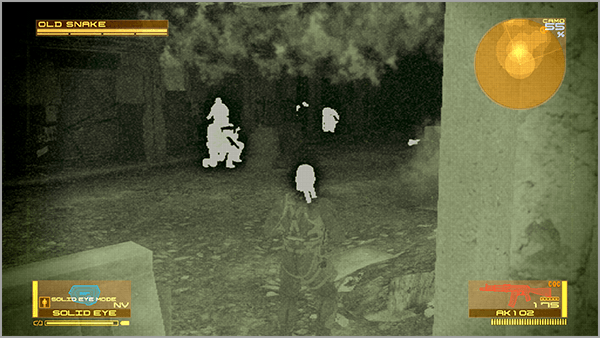
: INFRARED NIGHT VISION MODE (NV)
Activates Infrared Night Vision Mode. Useful in dark places.
: BINOCULAR MODE (BINOS)
Switches to First-Person View. Press  to change the zoom level.
to change the zoom level.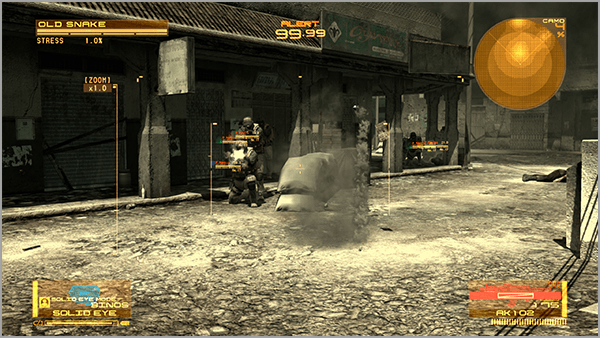
: NORMAL MODE (NORMAL)
Displays a variety of data.
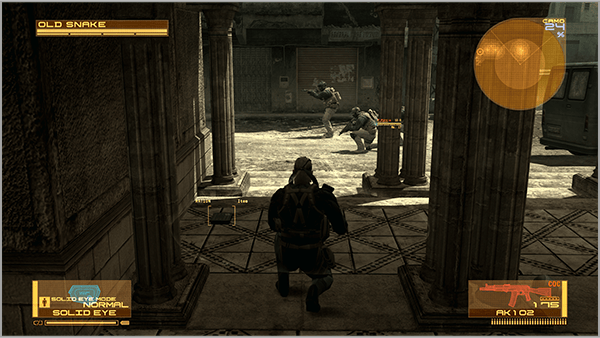
WATCH THE BATTERY!
Items that run on electricity consume battery power while in use. If their battery level drops to zero, these items become temporarily unusable.
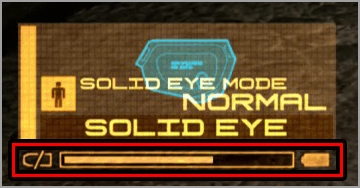
BASELINE MAP
Displays the "sense" of the battlefield while Solid Eye is equipped
The Baseline Map "senses" and creates a visual display of moving objects, smells, and sounds. It is displayed in the upper right of the screen while Solid Eye is equipped.
How to Read the Map
The Baseline Map shows the destination  and the situation around Snake. Nearby battlefield elements are displayed in orange and are larger and darker the stronger they are.
and the situation around Snake. Nearby battlefield elements are displayed in orange and are larger and darker the stronger they are.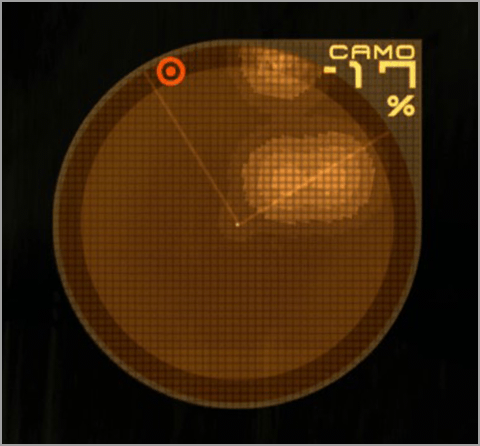
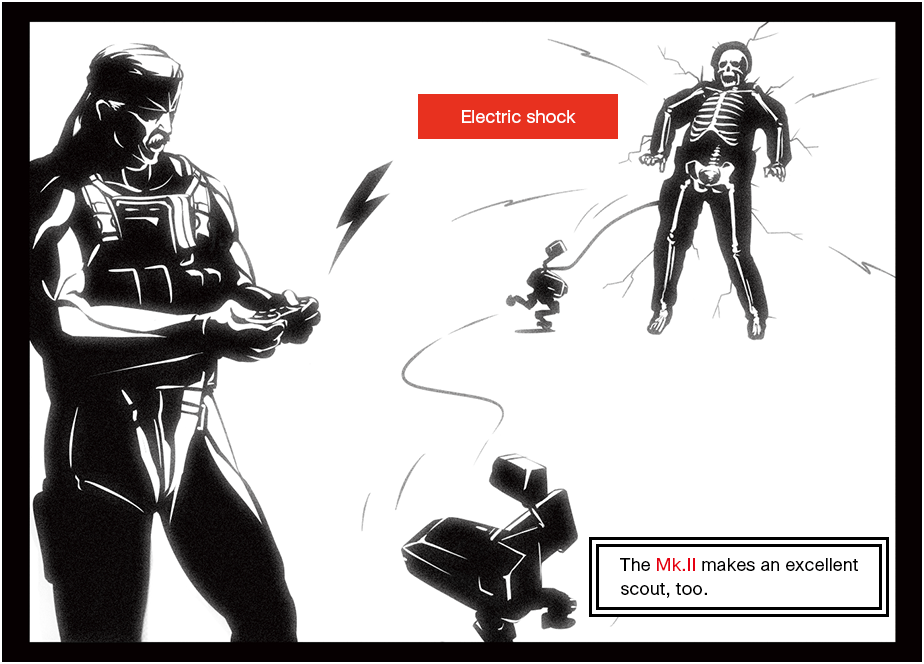
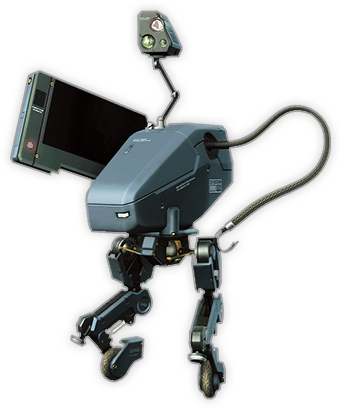
METAL GEAR Mk. II
Scout, collect items, and deliver electric shock attacks
Operate Metal Gear Mk. II to scout an area and perform a variety of other actions.
To use Mk. II, select it in the equipment window. To return to controlling Snake, deselect Mk. II in the equipment window.
To use Mk. II, select it in the equipment window. To return to controlling Snake, deselect Mk. II in the equipment window.
 |
Move |
|---|---|
|
|
Perform actions based on situation |
|
|
Toggle AUTO AIM |
 |
Toggle stealth camo |
 |
Aim manipulator |
 |
Electric shock (with manipulator aimed) |
 |
Camera controls. Press to switch view between normal view and Mk. II's perspective. |
|
|
Move camera up/down (Tilt the controller up and down) |