Basics of Infiltration
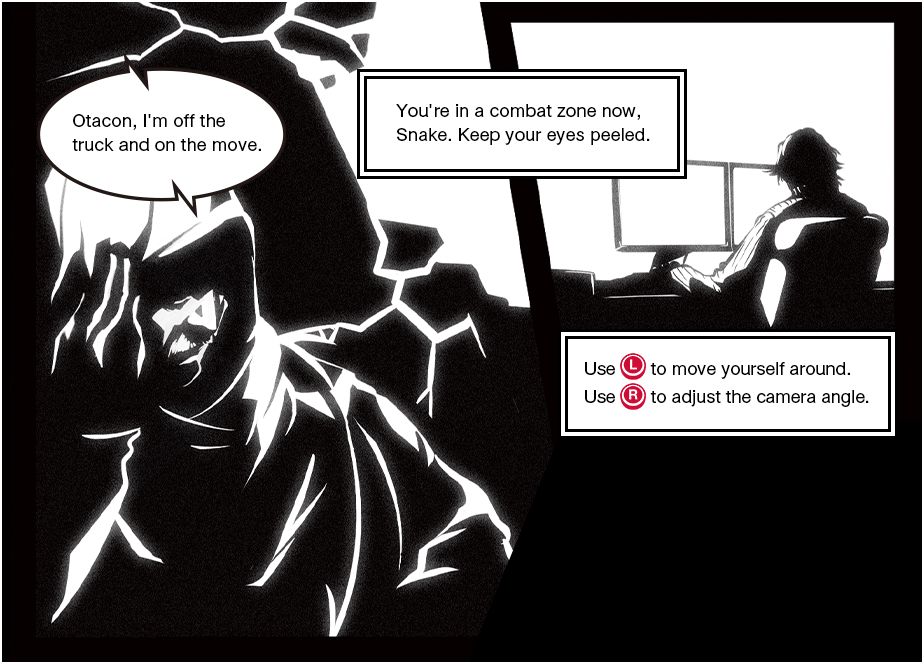
MOVEMENT (WALKING/RUNNING)
 : Move
Tilt slightly to walk without making a sound. Tilt fully to run fast.
CAMERA CONTROLS
 : Adjust camera angle
Press to return the camera to behind Snake's back.
Holding the Controller
We recommend that you keep your left thumb on and your right thumb on while playing.
and your right thumb on while playing.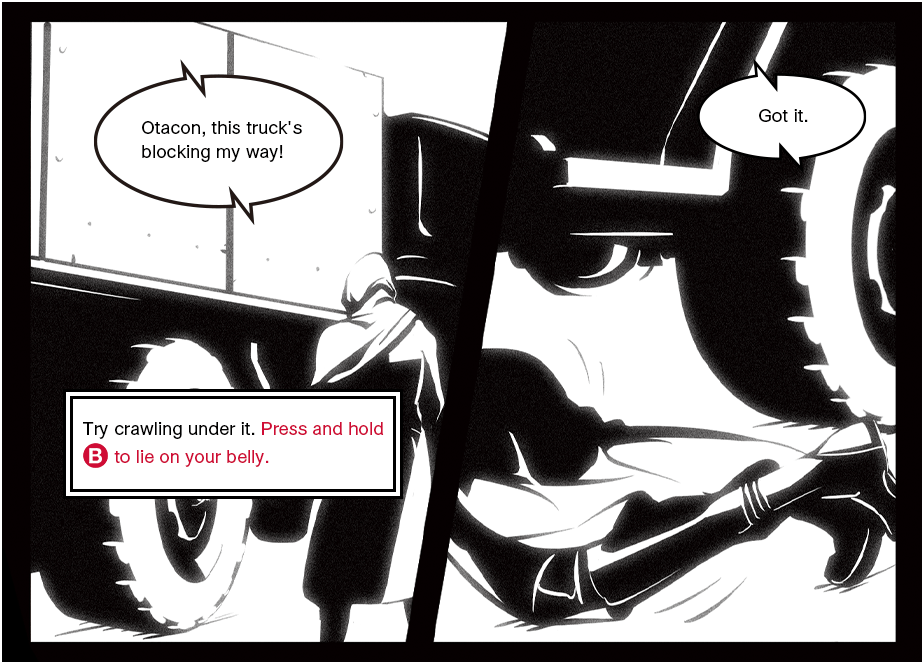
CROUCHING / LYING DOWN
 (Press and hold to lie down):
Move through tight spaces /
Lower Snake's visibility
Use to move around in any stance.
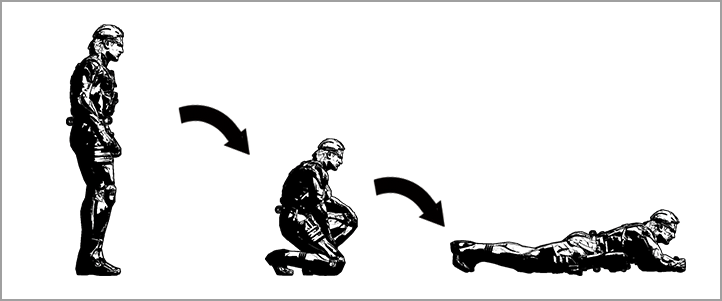
| Standing | Tap |
Crouching |
|---|---|---|
| Hold |
Lying Down |
| Crouching | Tap |
Standing |
|---|---|---|
| Hold |
Lying Down |
| Lying Down | Tap |
Crouching |
|---|---|---|
| Hold |
Standing |
ROLLING
+ : Dodge attacks and obstacles
Rolling lets Snake clear small obstacles and gaps in the ground or floor. He can also roll to trip up nearby enemies.
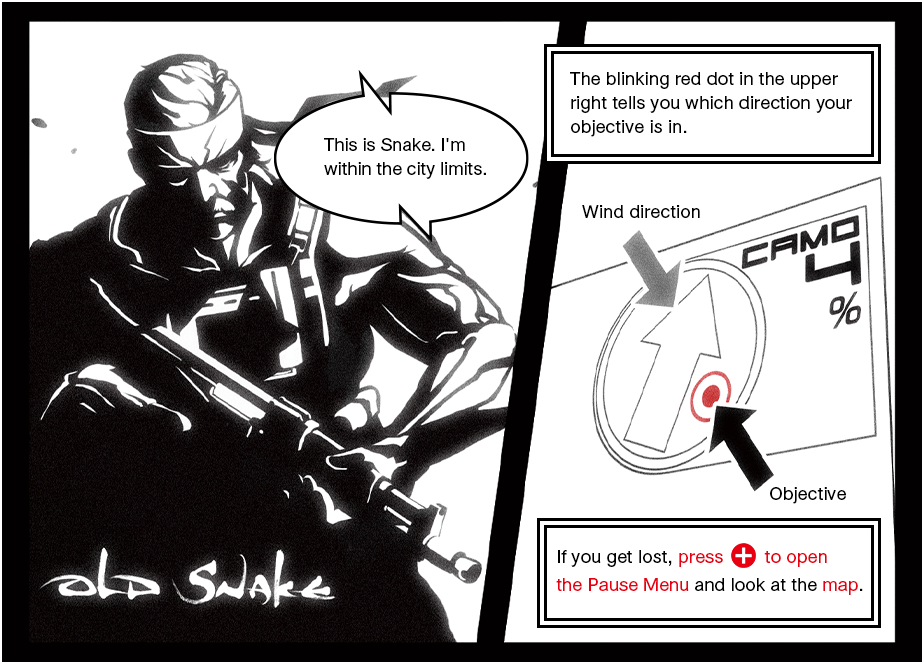
MAP
 : Check the map in the Pause Menu when unsure where to go
 Location and orientation of Snake
 Objective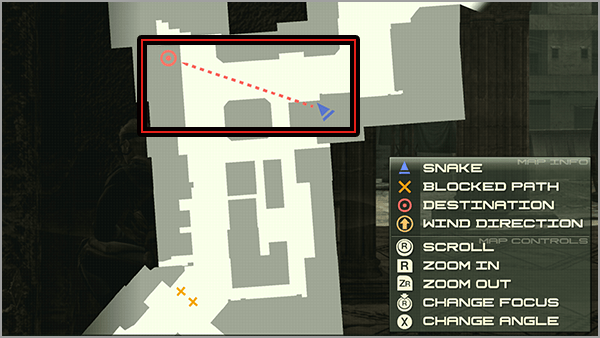
 |
Switch between 2D/3D display |
|---|---|
 |
Zoom in on the map |
 |
Zoom out on the map |
|
|
Move the map (2D display)/Rotate the map (3D display) Press to focus the map |
Focusing the Map
Press in while the map is displayed to switch between centering the map on Snake and centering on his objective  .
.
while the map is displayed to switch between centering the map on Snake and centering on his objective .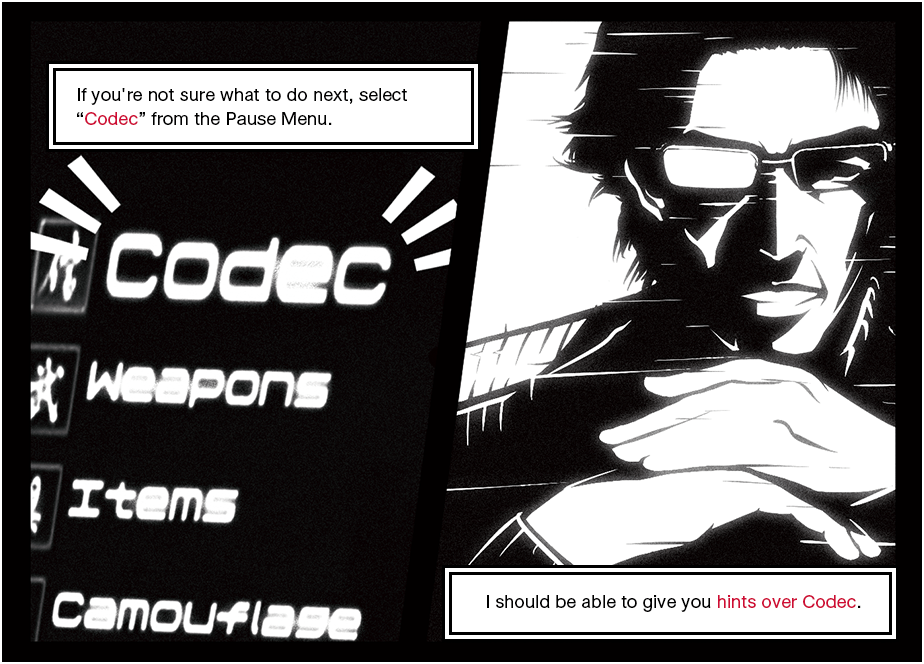
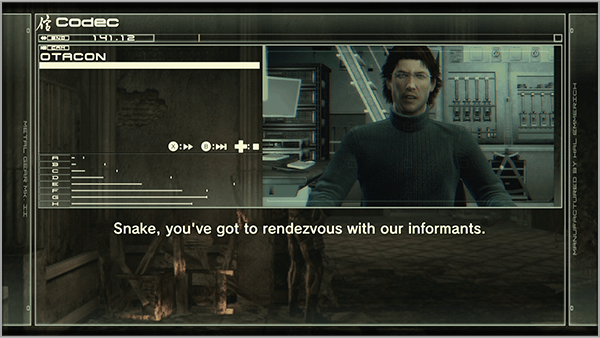
CODEC
PAUSE MENU - "Codec": Get Hints
Select "Codec" on the Pause Menu and press  / to choose whom to call, then press
  to confirm.
- Only Otacon can be contacted at the beginning.