Menu Window
Menu Window
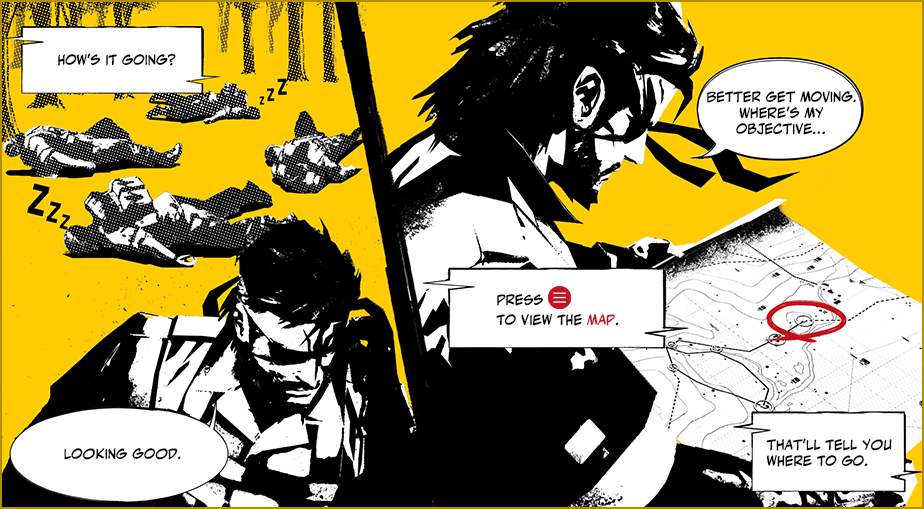
Press  during a mission to open the Menu Window.
Switch between tabs in the menu using  and
and  .
.
- Opening the Menu Window during solo play will pause the game, but will not do so when playing CO-OPS.
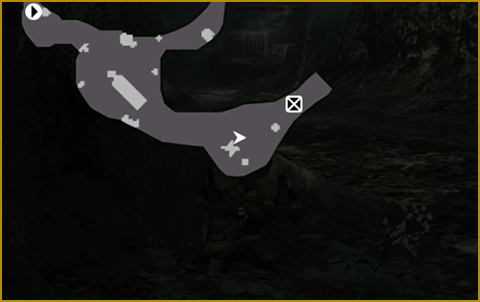
AREA MAP
The area map displays a map of the current area. Adjust the scale by using  .
.
.
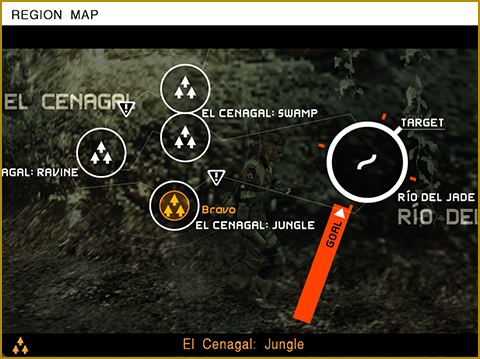
REGION MAP
The region map displays a map of the current region.
CO-OPS COMMUNICATION
Contact friends during CO-OPS play.
CODEC CALL
Use the Codec to hear game hints and other information.
MISSION DETAILS
View the mission objective.
OPTIONS
Change various game settings.
ONLINE MANUAL
View the online manual.
RETRY
Restart the mission or return to the Mission Selection Menu.
- Acquired items and soldiers collected with the Fulton Recovery System will be reset when restarting a mission.
WALKMAN®
Use the WALKMAN®. This menu will only be visible if the WALKMAN® is taken on mission.
ENEMY INFO
View information on mechs and AI weapons. Increase the level of the Intel Team and develop a specific item for this menu to be added to the Menu Window.