Starting CO-OPS
About CO-OPS
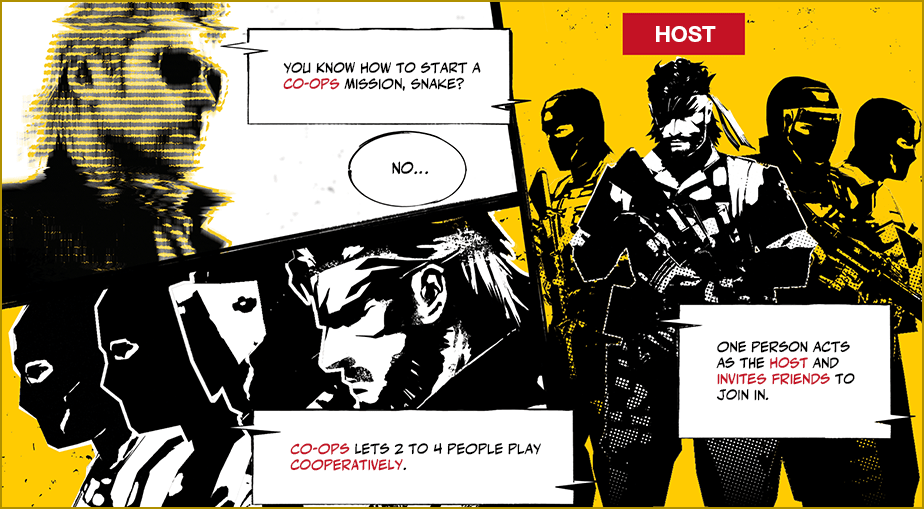
CO-OPS is a mode where 2-4 players can play cooperatively together. Missions with a participant limit of 2 or more can be enjoyed via CO-OPS.
One player must act as the HOST and recruit other players to participate in missions to play CO-OPS.
How to HOST
- 1
- Choose a mission from the Mission Selection Menu from all tabs except the CO-OPS tab.
If a mission has a participant limit of 2 or more, an option to select "HOST" will be displayed. Select this option to recruit friends to play with.
- 2
- Choose the invitation type from "Domestic," "Private," or "Global."
Select "Create" to open the mission up for recruitment.
How to Participate
- 1
- Select "SEARCH HOST" from the CO-OPS tab on the Mission Selection Menu.
- 2
- Set the search conditions and select "SEARCH" to look for a HOST.
Join a mission that interests you once one appears.